1.23 Optional equipment
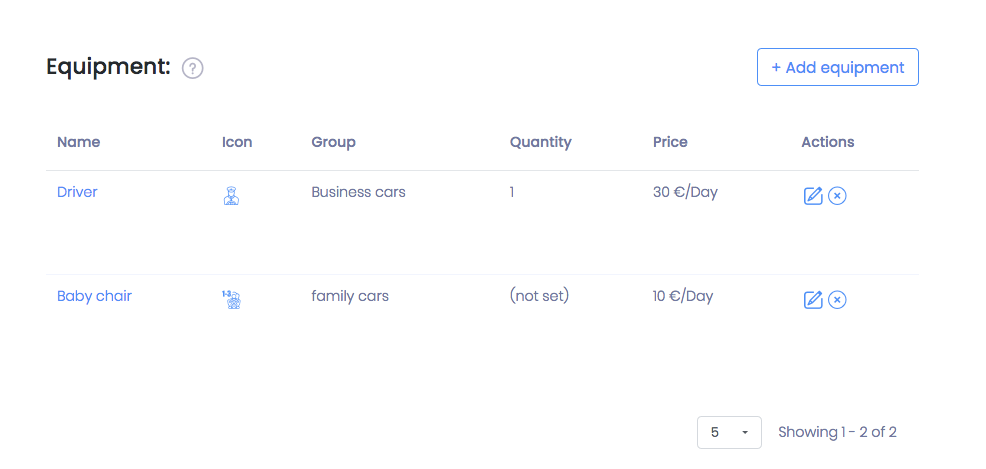
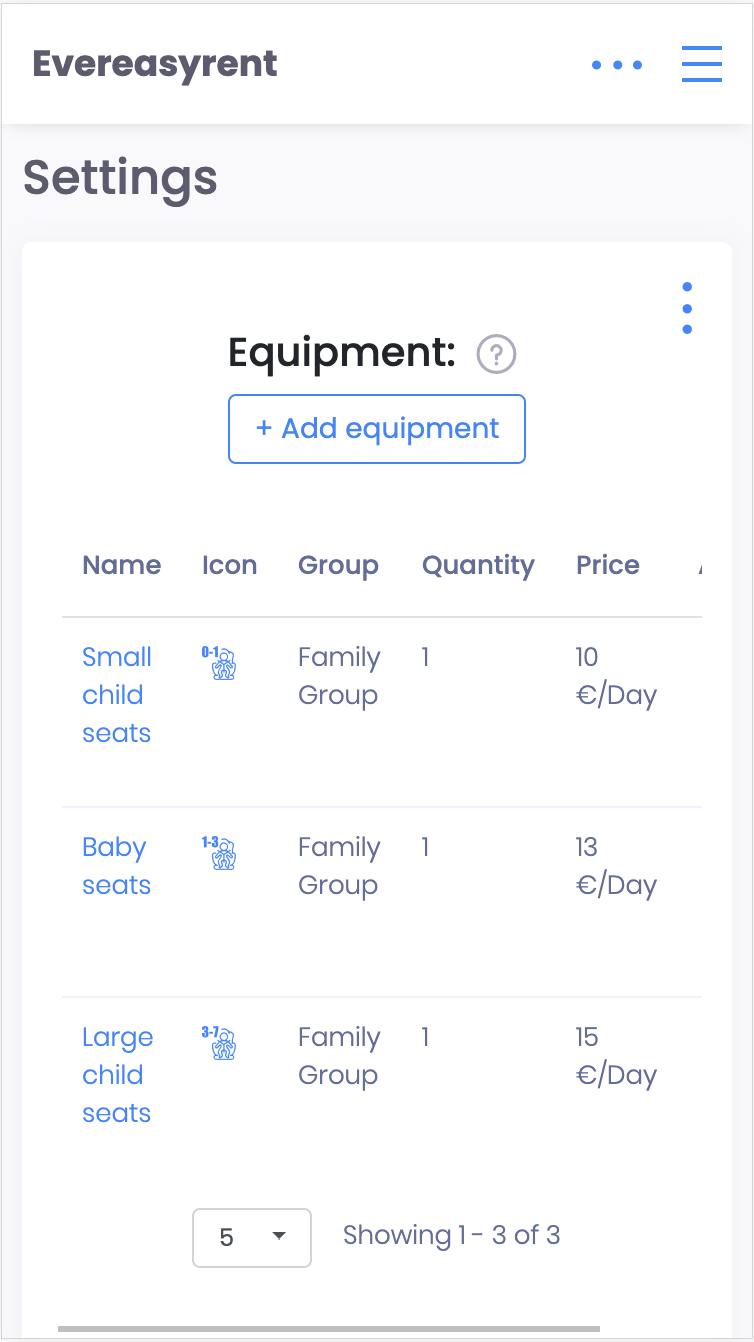
In order for the client to order additional equipment for the vehicle when booking, add the corresponding names to the list.
In the Equipment section, click on the “Add equipment” button and fill in the fields displayed. For each item of equipment, you can set the rental price and limit it to certain groups of vehicles (see paragraph 1.18)
Recommended reading
Faq
Integration with LiqPay
Integration with LiqPay
Integration with SumUp
Integration with SumUp
Booking with leasing
Booking with leasing
Viva Wallet. Integration instructions
Guide for integrating Viva Wallet into o...
Integration with myPOS
Guide for integrating myPOS with our sys...