7.34 Integration with SumUp
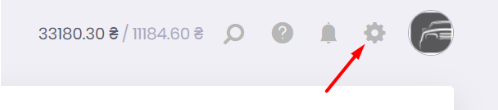
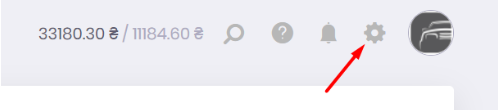
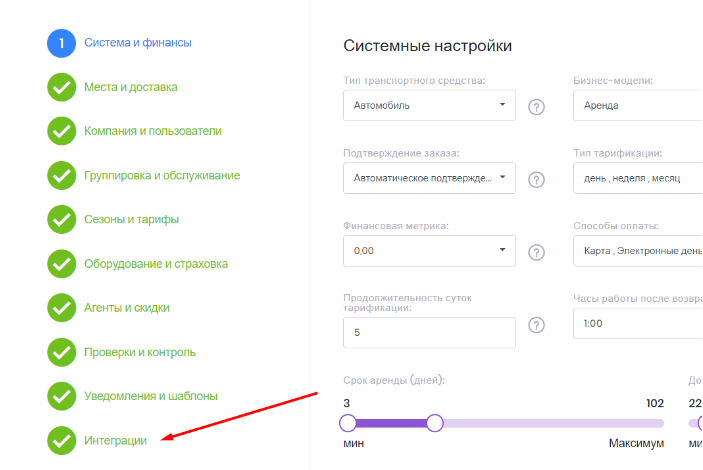
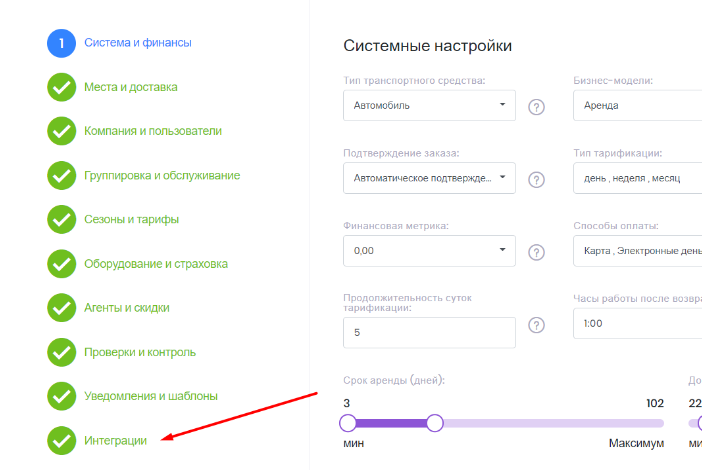
To integrate RentSyst with the SumUp payment system, go to settings and go to item 10 of the "Integration" section.
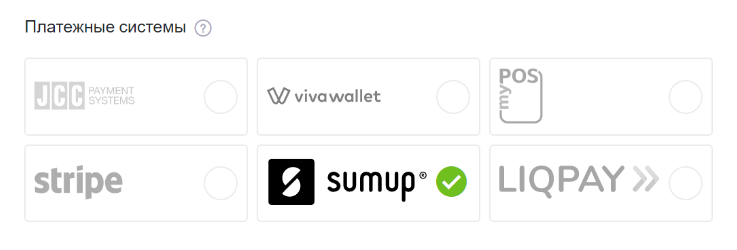
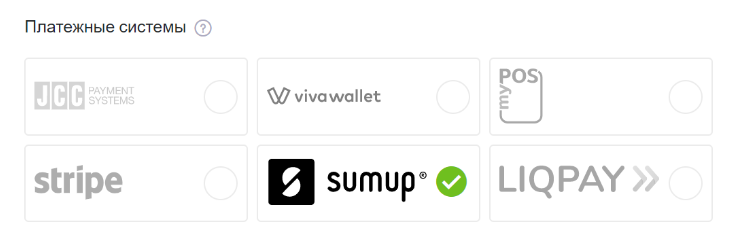
Among the available payment systems, you will see the SumUp button.
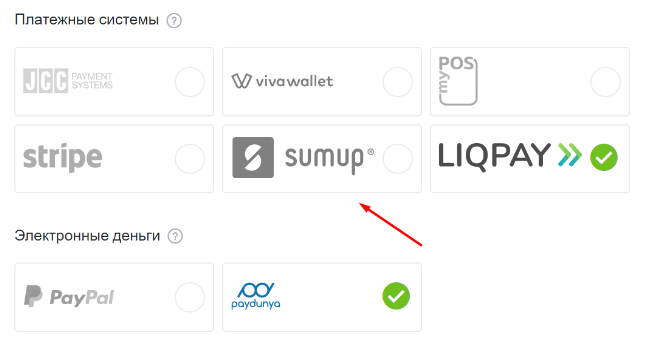
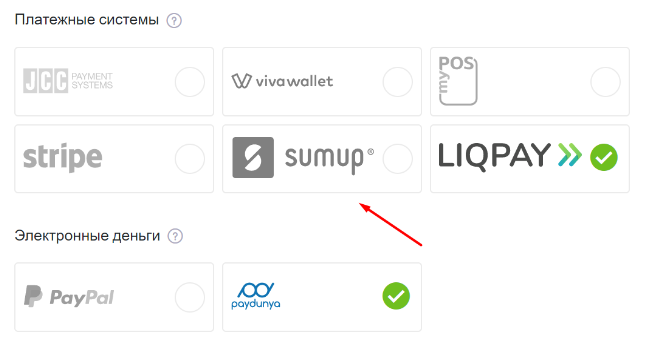
By clicking on it, you will see a window where you will be asked to enter your client ID, secret key and email that is linked to your personal account in SumUp.
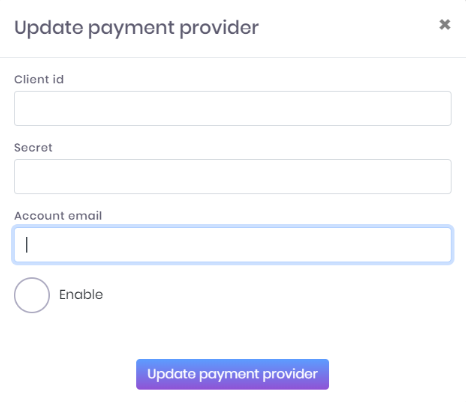
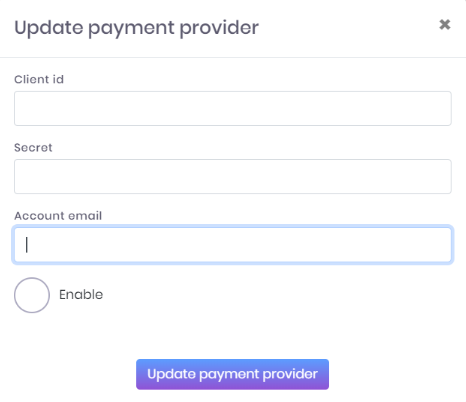
You will find the necessary data in the document that can be downloaded from your personal account in SumUp.
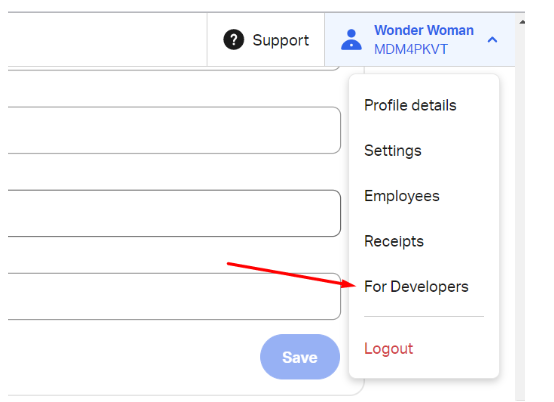
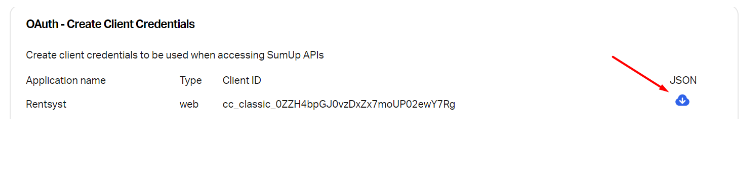
After filling in the data and confirming the action, the SumUp payment system will become available for use.
Recommended reading
Faq
Integration with LiqPay
Integration with LiqPay
Integration with SumUp
Integration with SumUp
Booking with leasing
Booking with leasing
Viva Wallet. Integration instructions
Guide for integrating Viva Wallet into o...
Integration with myPOS
Guide for integrating myPOS with our sys...