Settings
To get to the Settings section, click on the gear icon in the upper right corner, next to the profile icon. A list of editable sections opens.

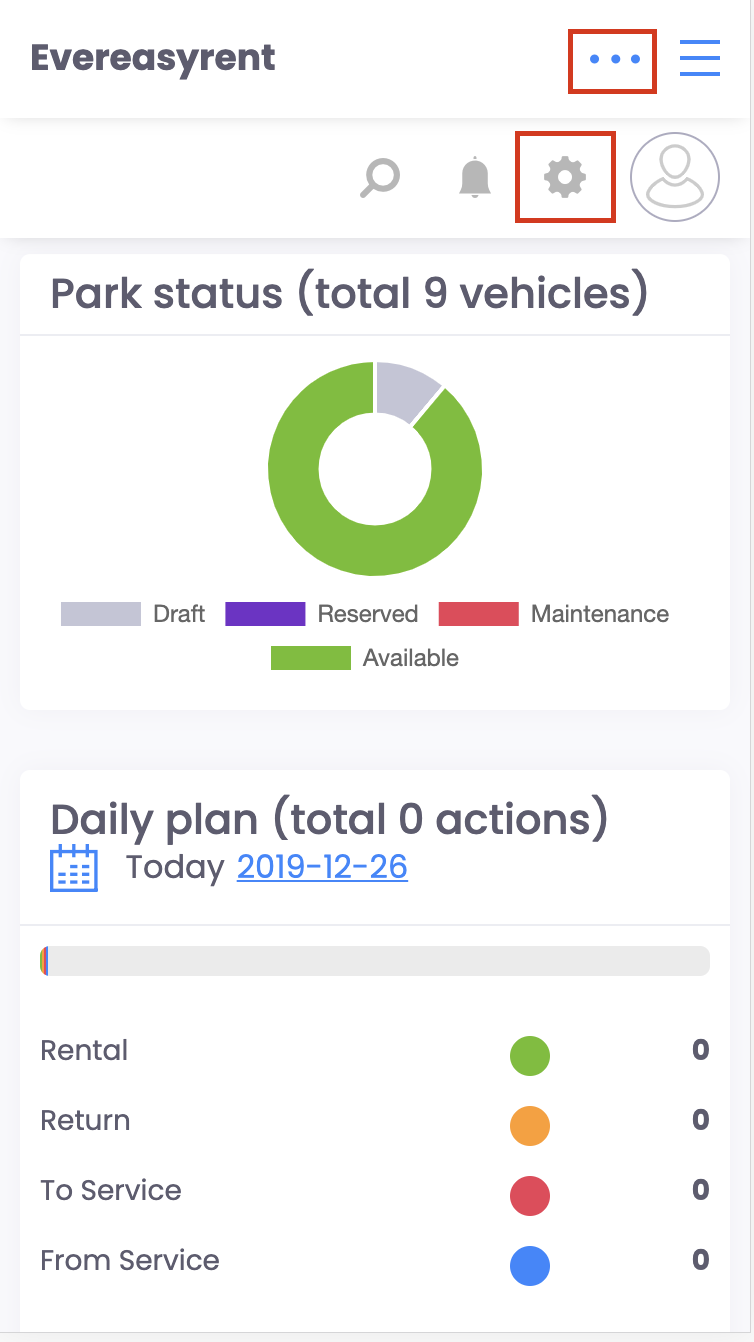
In the mobile version of the site, the gear icon is also displayed at the top, but after pointing to the ellipse in the upper right corner next to the hamburger icon.
Faq
Integration with LiqPay
Integration with LiqPay
Integration with SumUp
Integration with SumUp
Booking with leasing
Booking with leasing
Viva Wallet. Integration instructions
Guide for integrating Viva Wallet into o...
Integration with myPOS
Guide for integrating myPOS with our sys...