1.29 Notifications
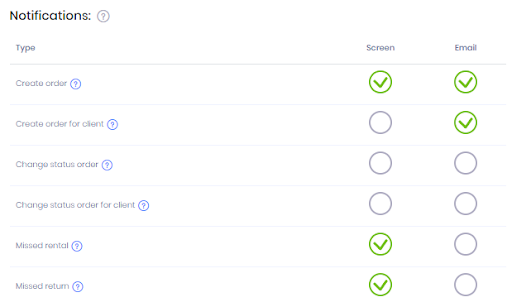
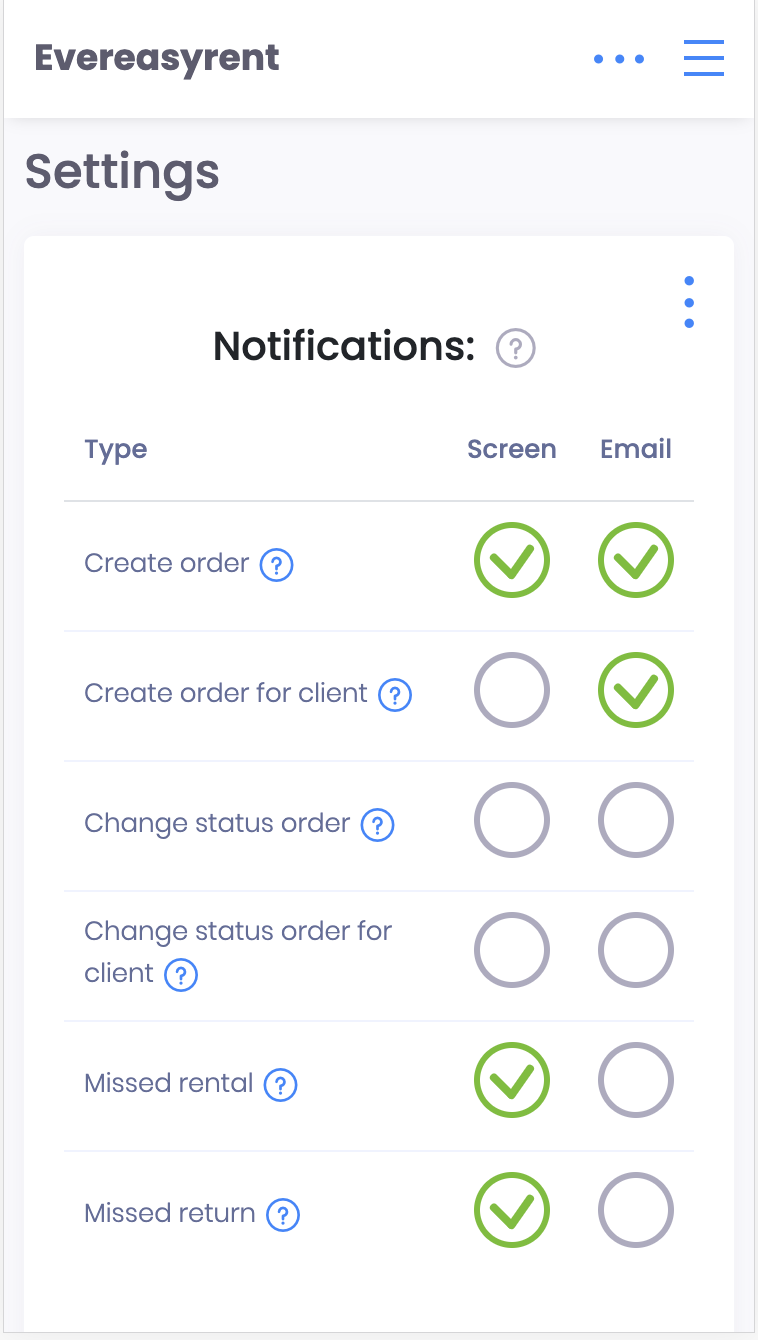
The basic interactions of managers and clients with the CRM system can be displayed both as messages within the system and as emails. Choose the source of notifications where it is more likely to read them.
Among the notifications available to the user: about the formation of the order (by the company manager or client on the site), about the change of the order (by the company manager or client on the site), about the order that was not issued to the client or was not received from them back on time.
Next to each of them, you need to set the “✔️” mark, indicating the display location - mail or the CRM screen.
Recommended reading
Faq
Integration with LiqPay
Integration with LiqPay
Integration with SumUp
Integration with SumUp
Booking with leasing
Booking with leasing
Viva Wallet. Integration instructions
Guide for integrating Viva Wallet into o...
Integration with myPOS
Guide for integrating myPOS with our sys...