1.19 Maintenance
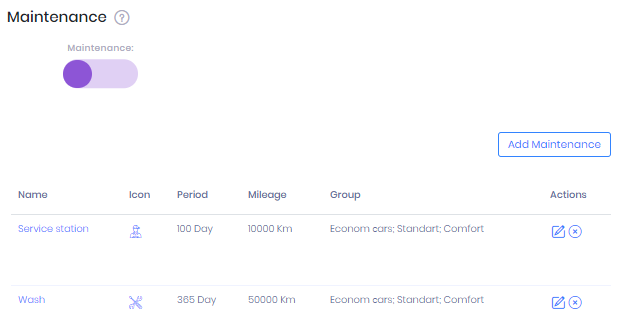
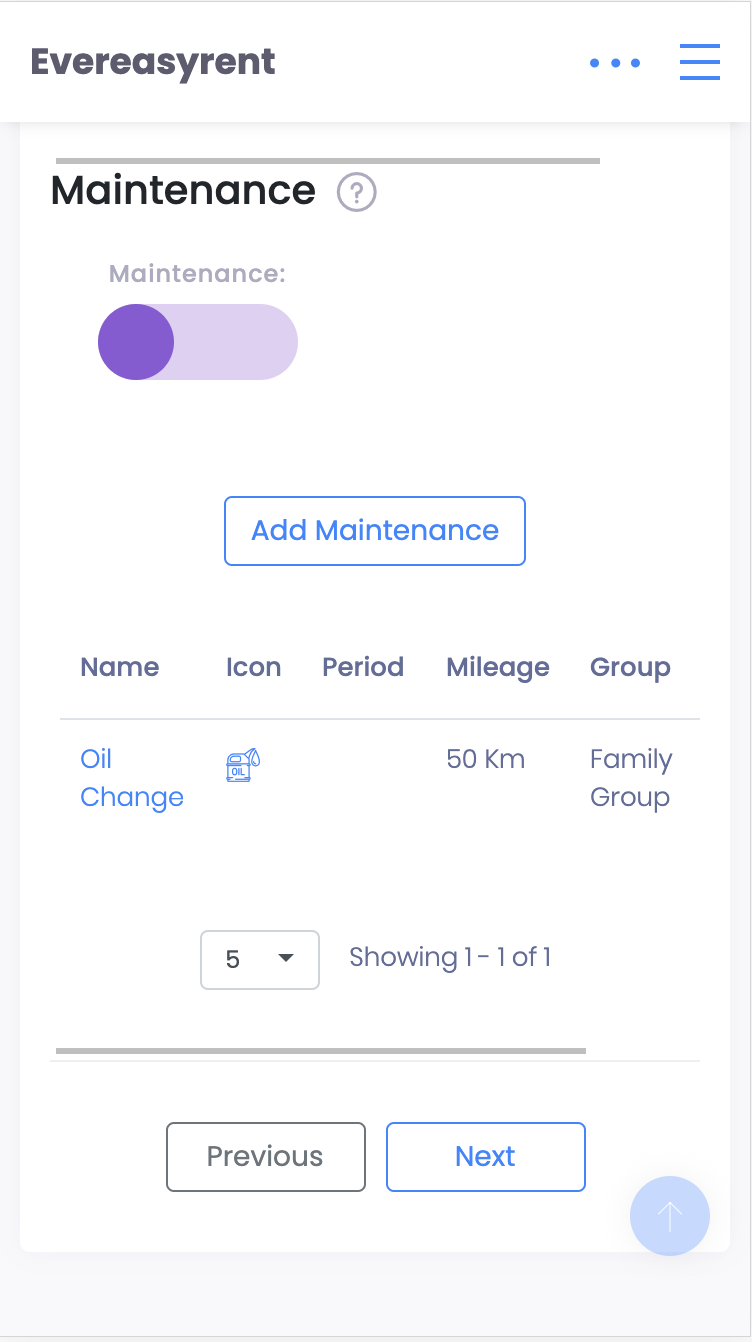
To use the functionality of the system for monitoring vehicle maintenance, you need to move the slider to the “ON” position.
For each vehicle or group (see paragraph 1.18), one or more services can be assigned.
Click the “Add Maintenance” button and fill out the form displayed on the screen. Enter the name of the service, the frequency of services (per days or mileage of the car in km / miles), and the groups of vehicles to which to apply it.
Recommended reading
Faq
Integration with LiqPay
Integration with LiqPay
Integration with SumUp
Integration with SumUp
Booking with leasing
Booking with leasing
Viva Wallet. Integration instructions
Guide for integrating Viva Wallet into o...
Integration with myPOS
Guide for integrating myPOS with our sys...