7.12 Viva Wallet. Integration instructions
To successfully integrate Viva Wallet with our system, you need 2 data. it VivaPayments Merchant ID and VivaPayments API key.
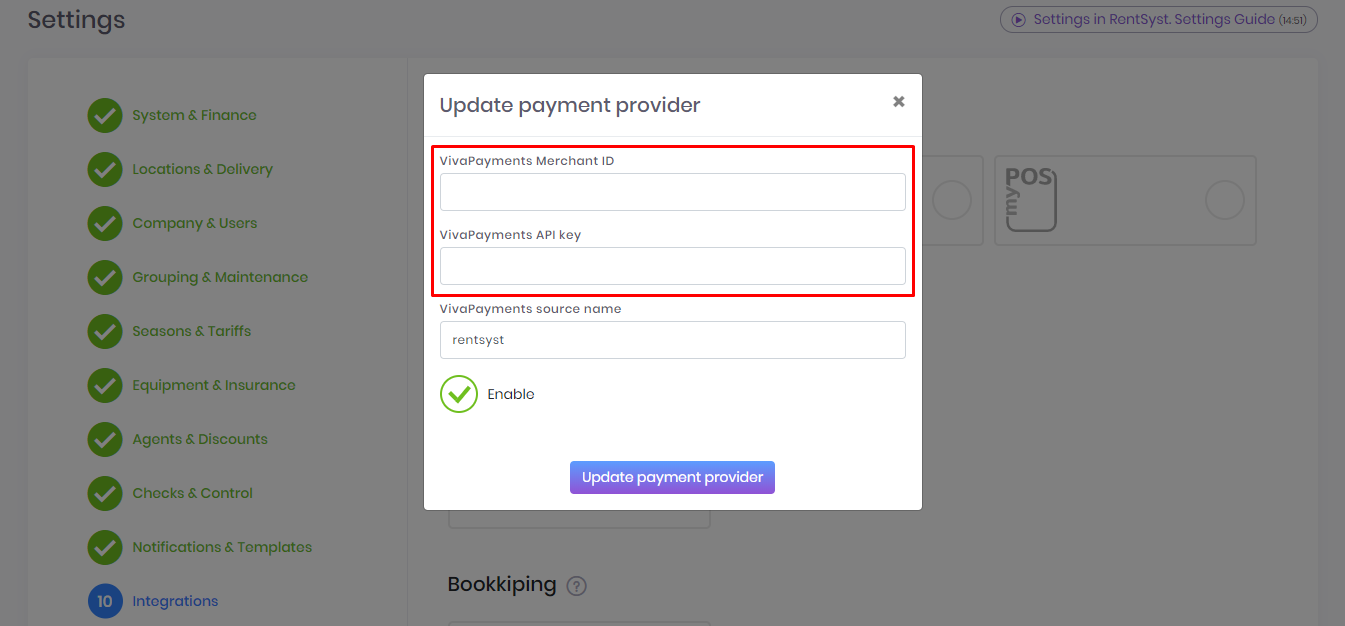
The line Viva Payments Source Name is created automatically in Viva Wallet personal account. Therefore, the default name is already written there "rentsyst".
rentsyst is generated automatically in the "Website / Application" section.
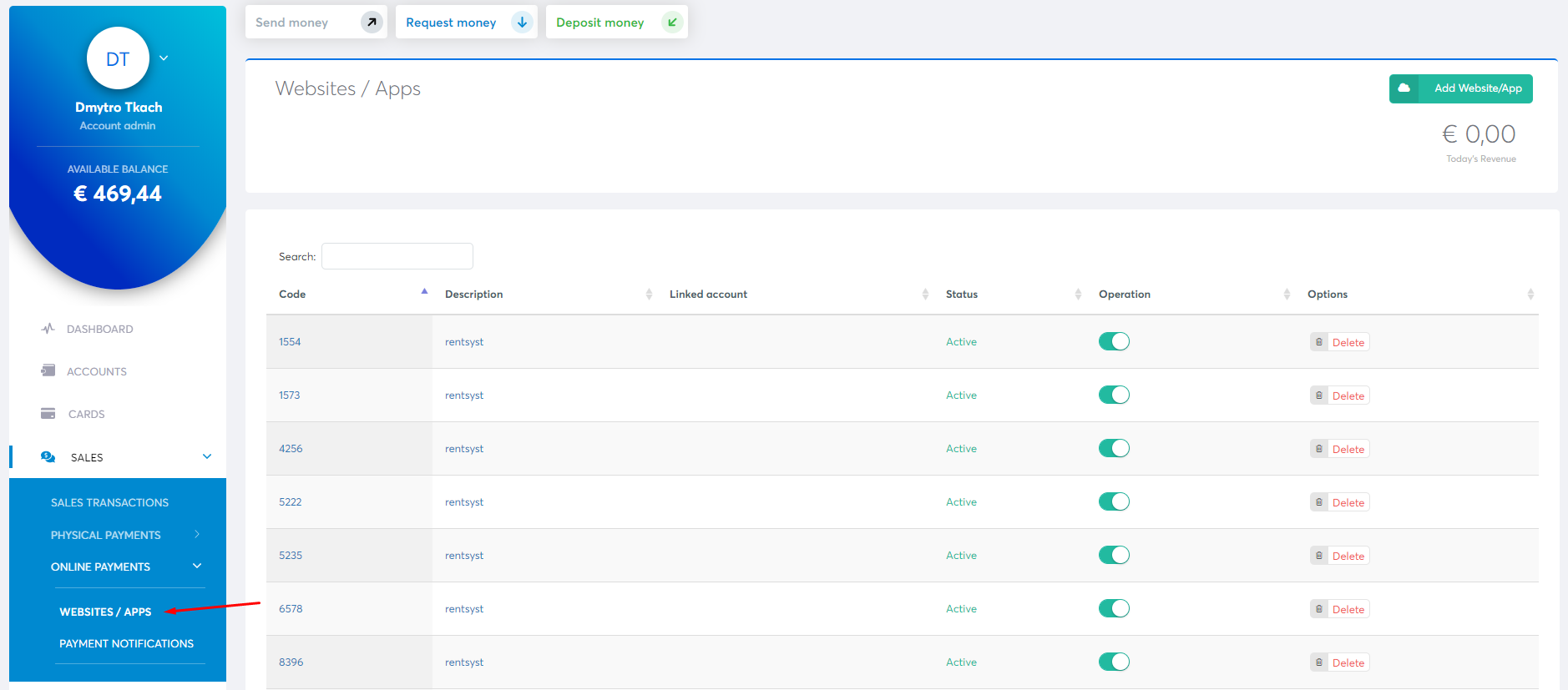
Go to the personal account of Viva Wallet. Click on Settings in te left navigation.

Click on API Access.

You’ll find your Merchant ID and API Key in the Access Credentials section at the top of the page:

When all the data has been filled in, put a tick "
Recommended reading
Faq
Integration with LiqPay
Integration with LiqPay
Integration with SumUp
Integration with SumUp
Booking with leasing
Booking with leasing
Viva Wallet. Integration instructions
Guide for integrating Viva Wallet into o...
Integration with myPOS
Guide for integrating myPOS with our sys...