6.1 Statistics
The CRM system offers users a variety of statistics, the analysis of which will optimize the fleet and draw conclusions about the profitability of individual vehicles, the effectiveness of each rental office and more.
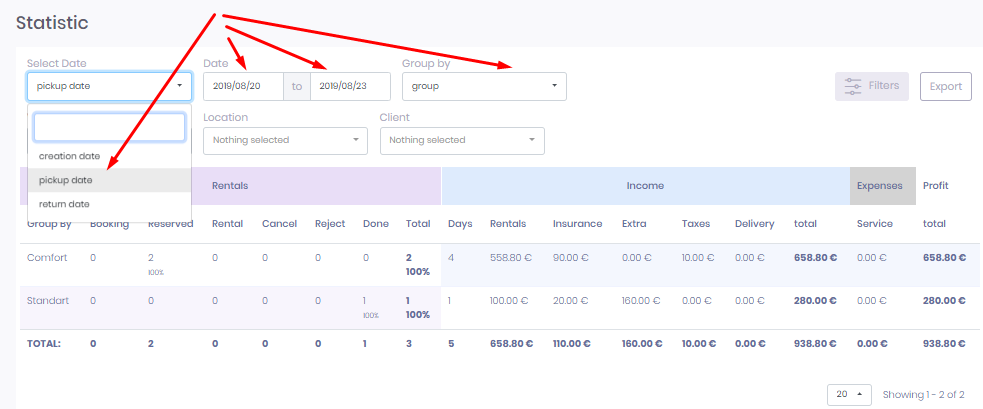
Statistics are presented in four categories:
- Rentals - detailed according to the statuses “Booking”, “Reserved”, “Rental”, “Cancel”, “Reject” and “Done”
- Income - detailed according to the categories “Days”, “Rentals”, “Insurance”, “Extra”, “Taxes”, “Delivery”
- Expenses - usually the expenses related to vehicle maintenance
- Profit - net profit (Income minus Expenses)
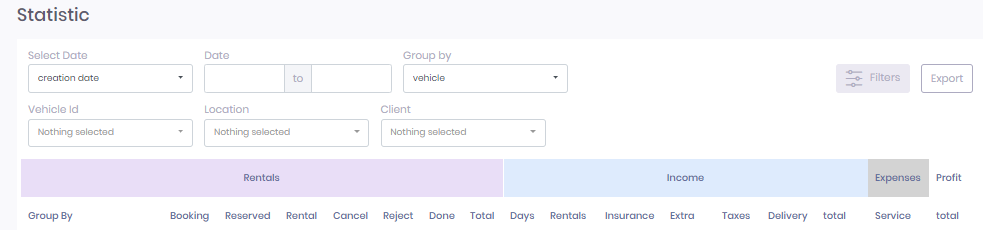
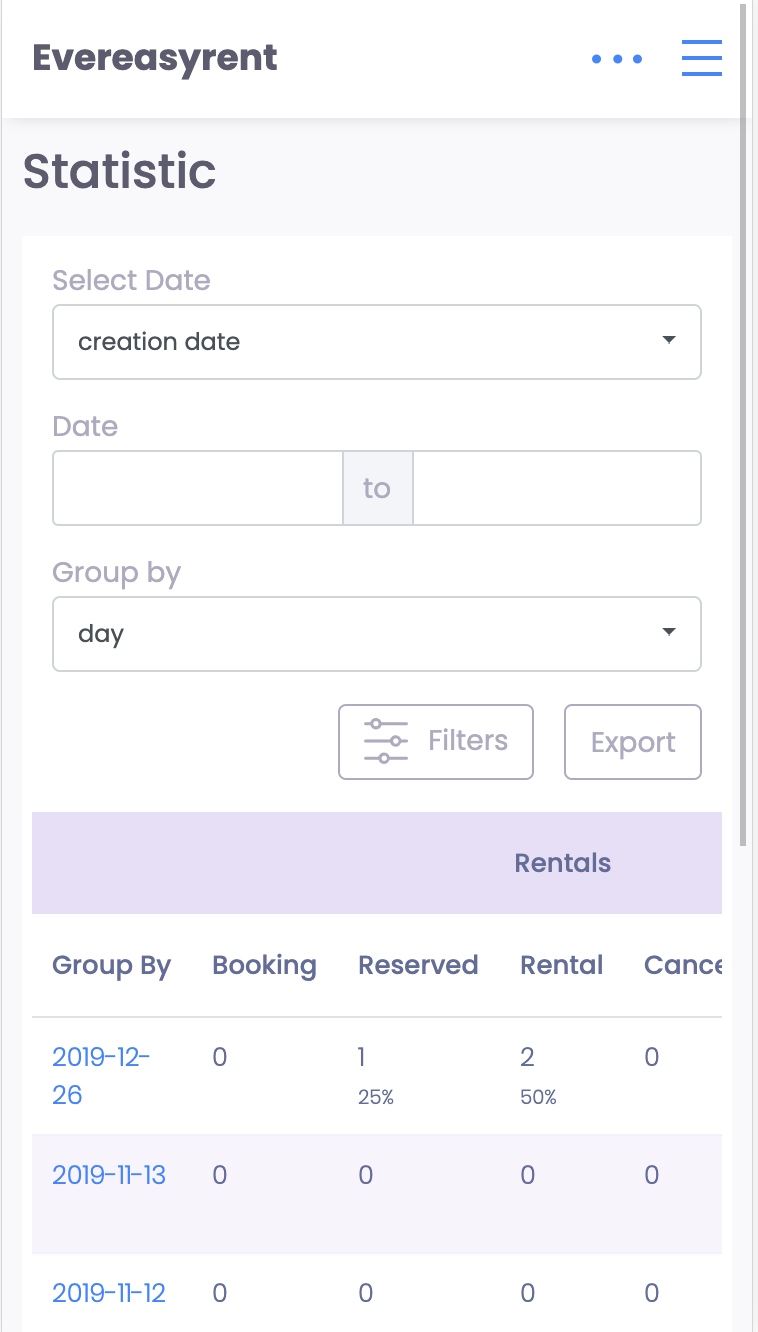
The information in the Statistics section can be filtered by vehicle registration number, rental office and customer name.
In addition, data for analysis can be displayed not only by date or month, but also by vehicle, customer name or name of customer groups, location and vehicle group.
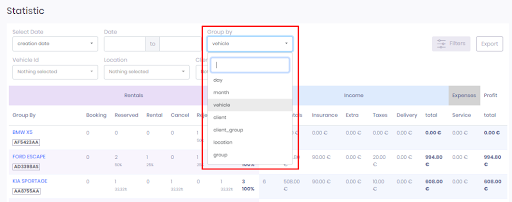
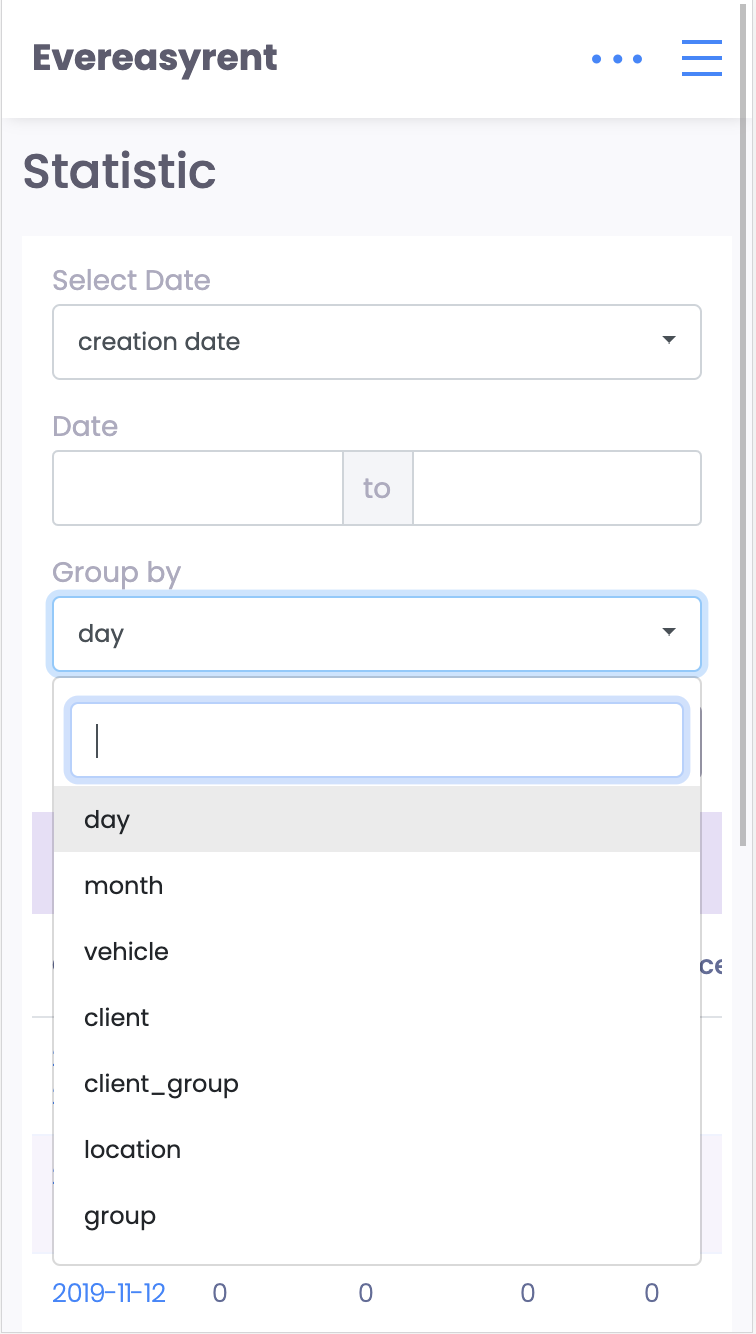
When studying statistics in the CRM system, experiment with setting data display criteria and you will get informative data about different categories of vehicles.
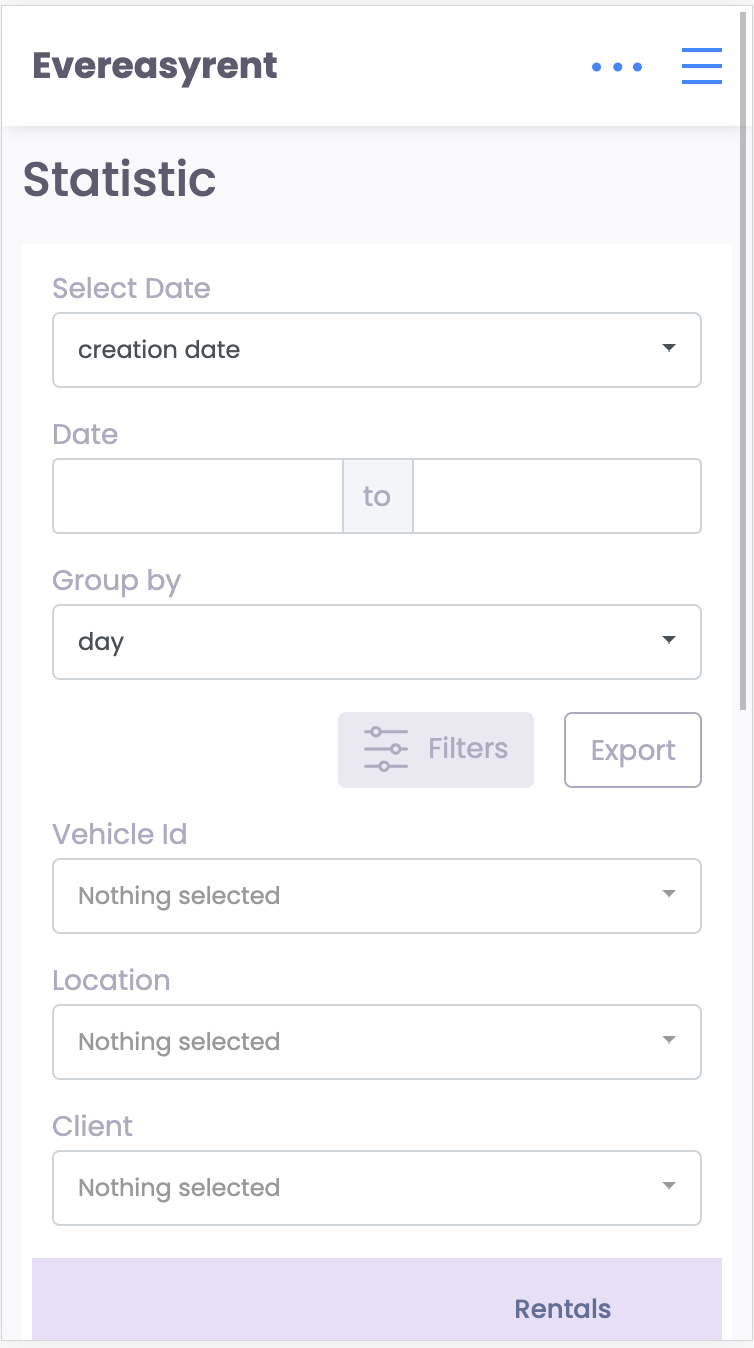
All data displayed on the screen can be downloaded to the device in .csv format. To do this, click the "Export" button.