5.1 Daily plan
This functionality allows you to detail all the actions by day. The screen with the schedule of daily plans begins with a calendar where you can select the date you are interested in. Below is a list of actions for this day: delivery of the vehicle to the client, return of the vehicle from the client, transfer of the vehicle to the service, return of the vehicle from the service.
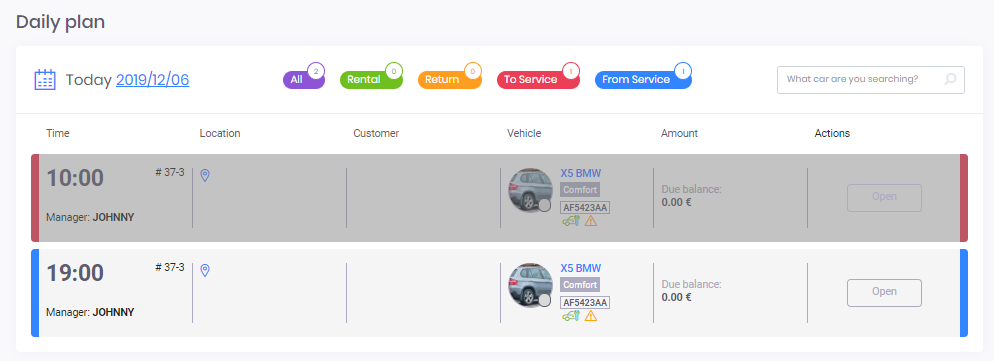
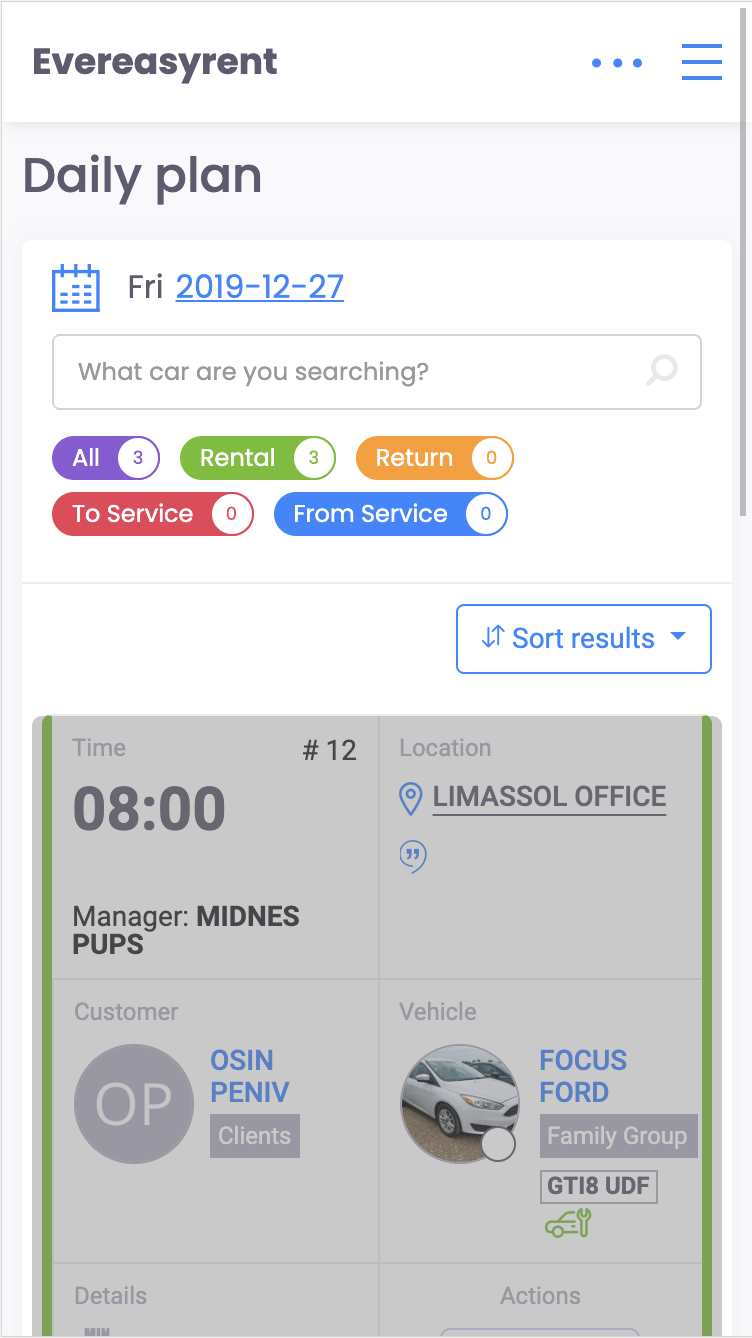
Each position displayed in the plans for the day can be expanded and familiarize you with details. To do this, click on the "Open" button.
If in this way you open a vehicle that is awaiting delivery to the client or return to the park (green and orange label), you will go to the reservation request.
If you press the “Open” button on a vehicle that is waiting for maintenance or return from it (red and blue label), go to the service request.
In this functionality, you can assign or change the execution of a specific action to a specific employee/manager of your company. To do this, click on the name and select another.