2.4 Vehicle damage
Damage to a vehicle is displayed on the vehicle’s card both when it is created and when viewing / editing.
When adding a new vehicle, this is the second block called “Damages and Maintenance”. In an existing card, you can view damages by clicking the “+” mark next to the corresponding item.
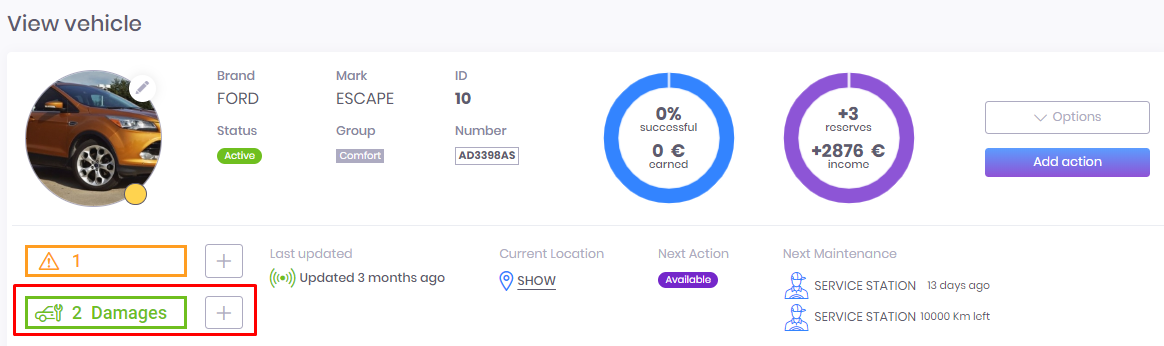
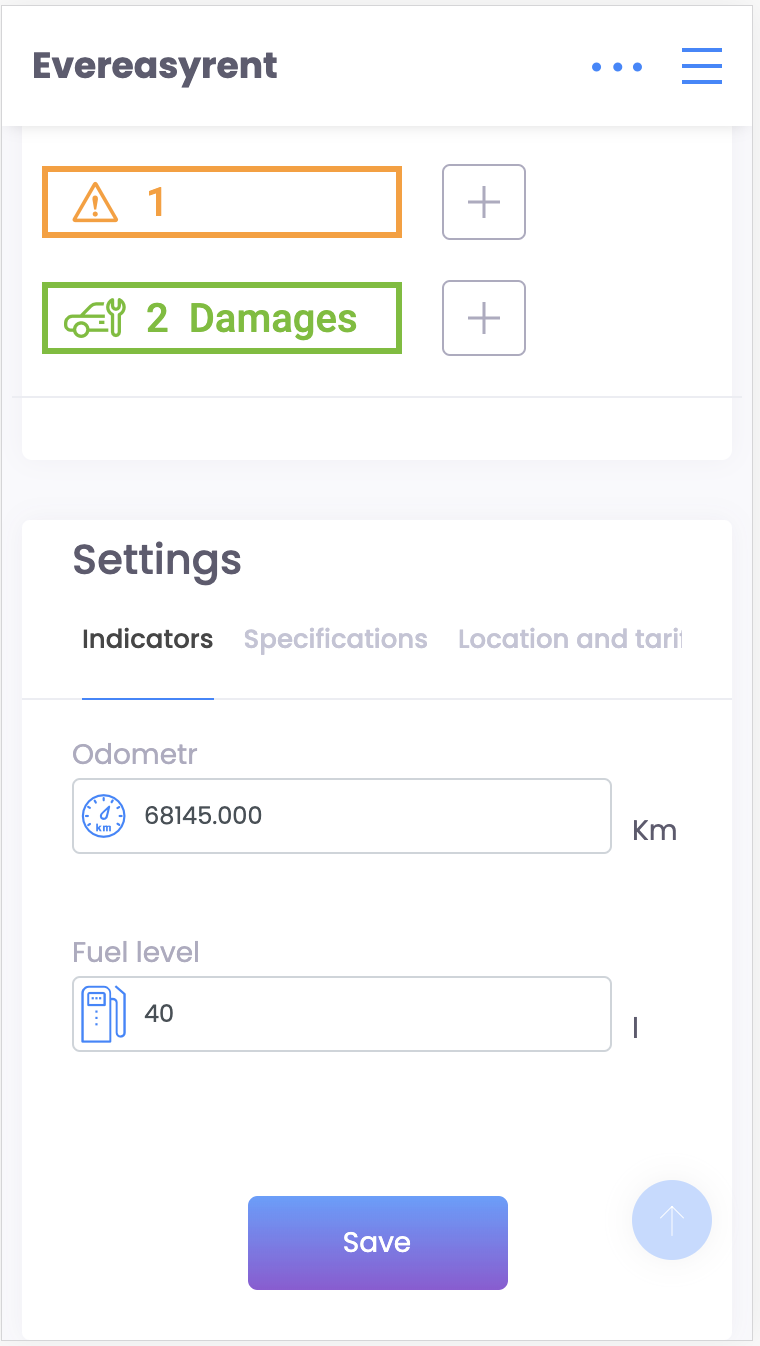
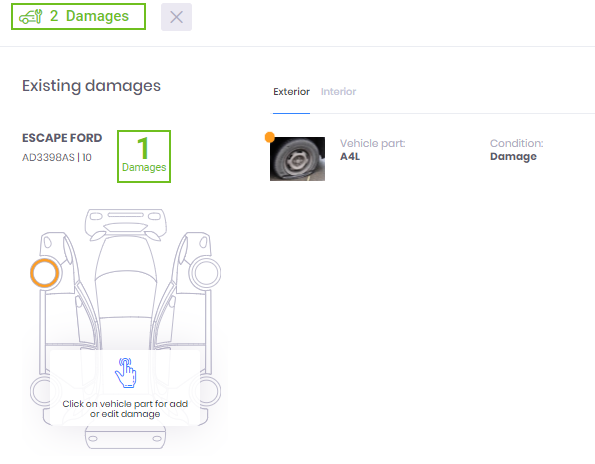
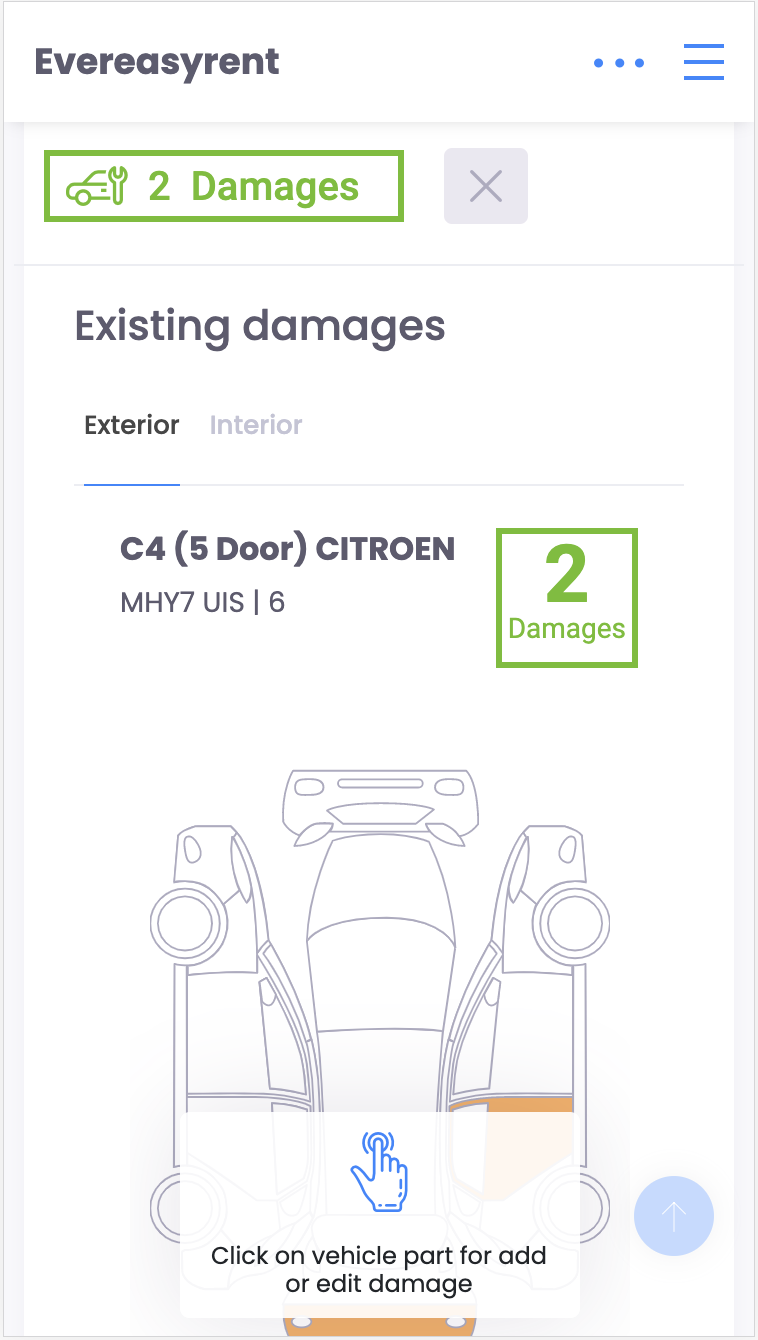
The vehicle body and its interior are schematically displayed on the screen - these are two different tabs of this unit. By clicking on a particular part of the circuit, you can mark it as damaged. You can confirm the fact of damage with a photo.
Recommended reading
Faq
Integration with LiqPay
Integration with LiqPay
Integration with SumUp
Integration with SumUp
Booking with leasing
Booking with leasing
Viva Wallet. Integration instructions
Guide for integrating Viva Wallet into o...
Integration with myPOS
Guide for integrating myPOS with our sys...