3.5 Security deposit
A security deposit is established when creating or editing an order. Go to the Payments step.
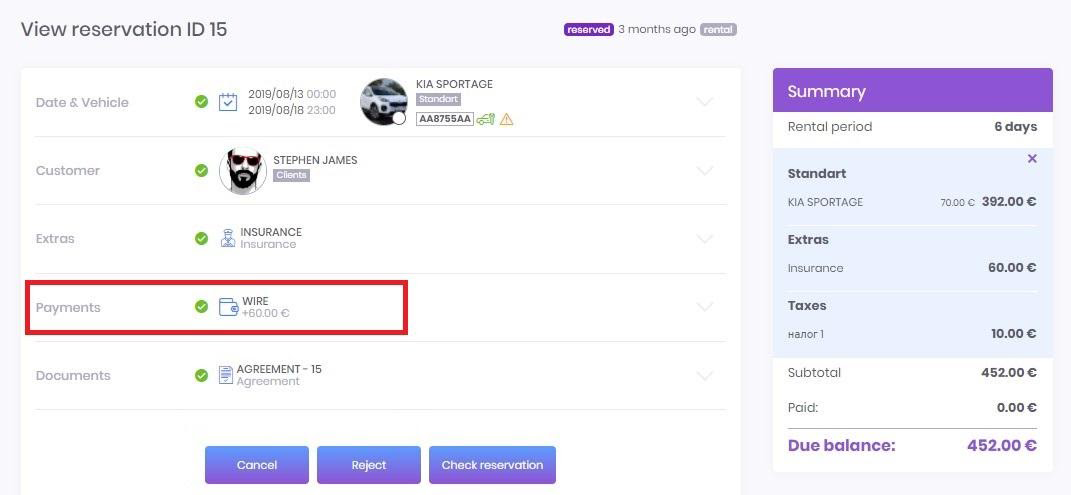
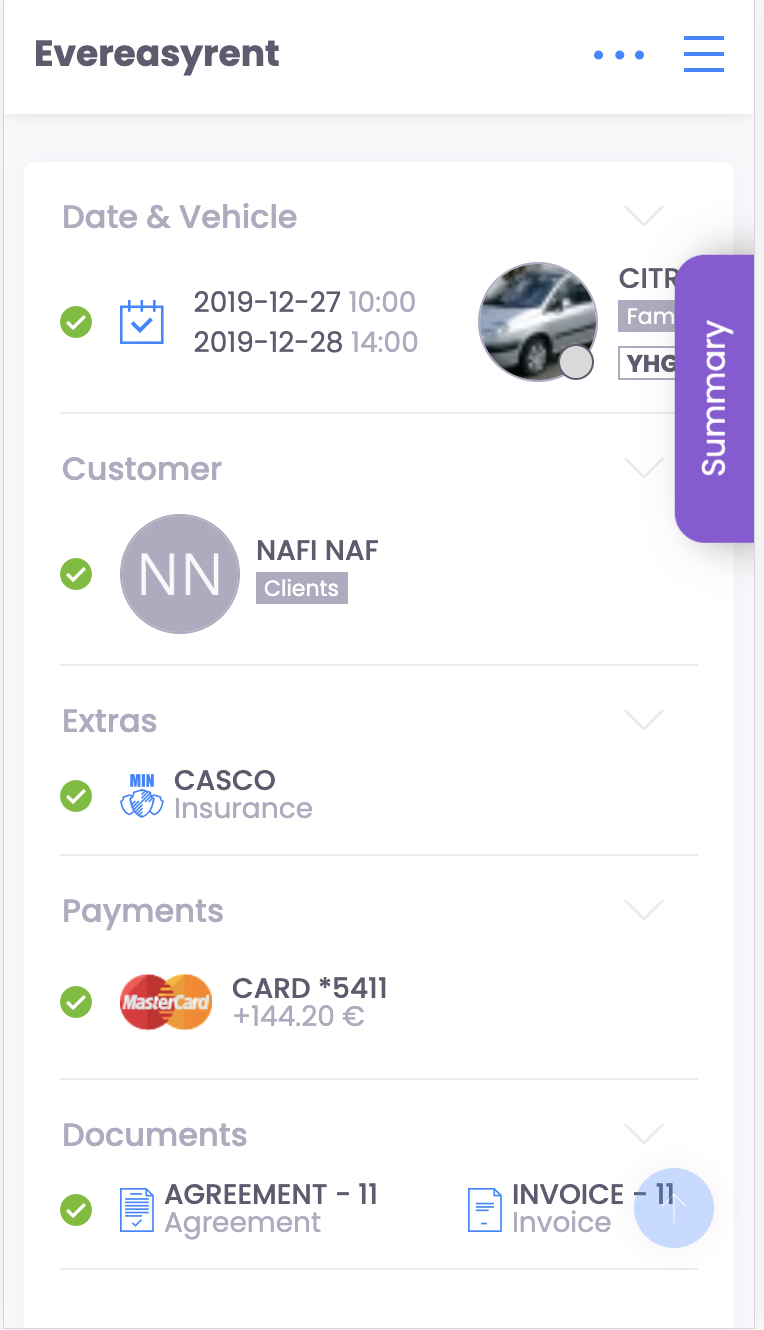
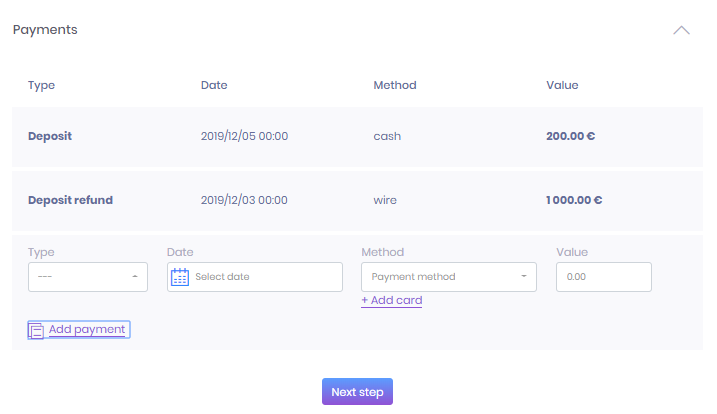
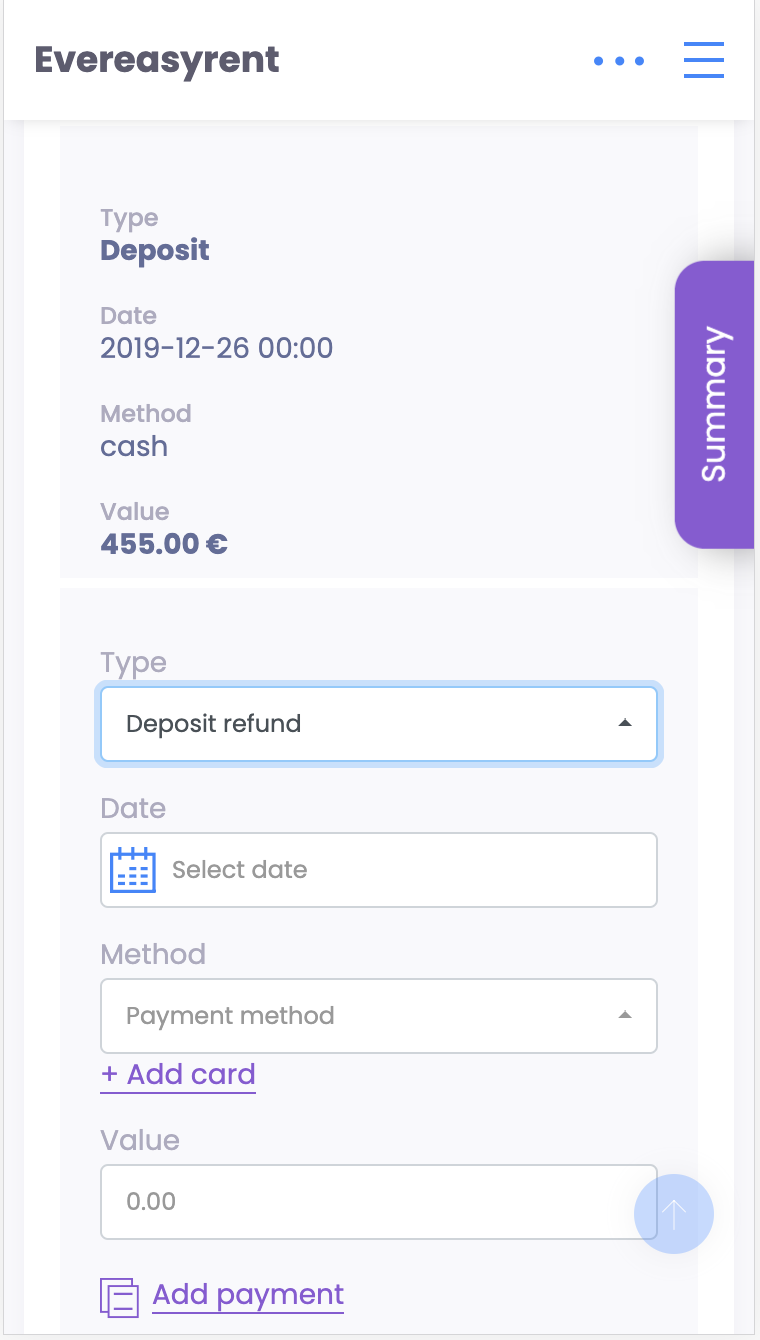
In the payment block, you can select the positions Deposit and Deposit refund, fill in the method and time of depositing the amount, and then the size of the deposit payment. Then click on the “Add payment” button and add the deposit as required for payment by cash, bank transfer or coupon.
Recommended reading
Faq
Integration with LiqPay
Integration with LiqPay
Integration with SumUp
Integration with SumUp
Booking with leasing
Booking with leasing
Viva Wallet. Integration instructions
Guide for integrating Viva Wallet into o...
Integration with myPOS
Guide for integrating myPOS with our sys...