3.4 Payments
To go to the list of payments in the CRM system, select the Rentals tab and the Payments section in it. Here, the user displays a list of payments:
- receipts to the account for the rental of vehicles (in the Rentals tab),
- financial deductions for vehicle maintenance (in the Maintenance tab).

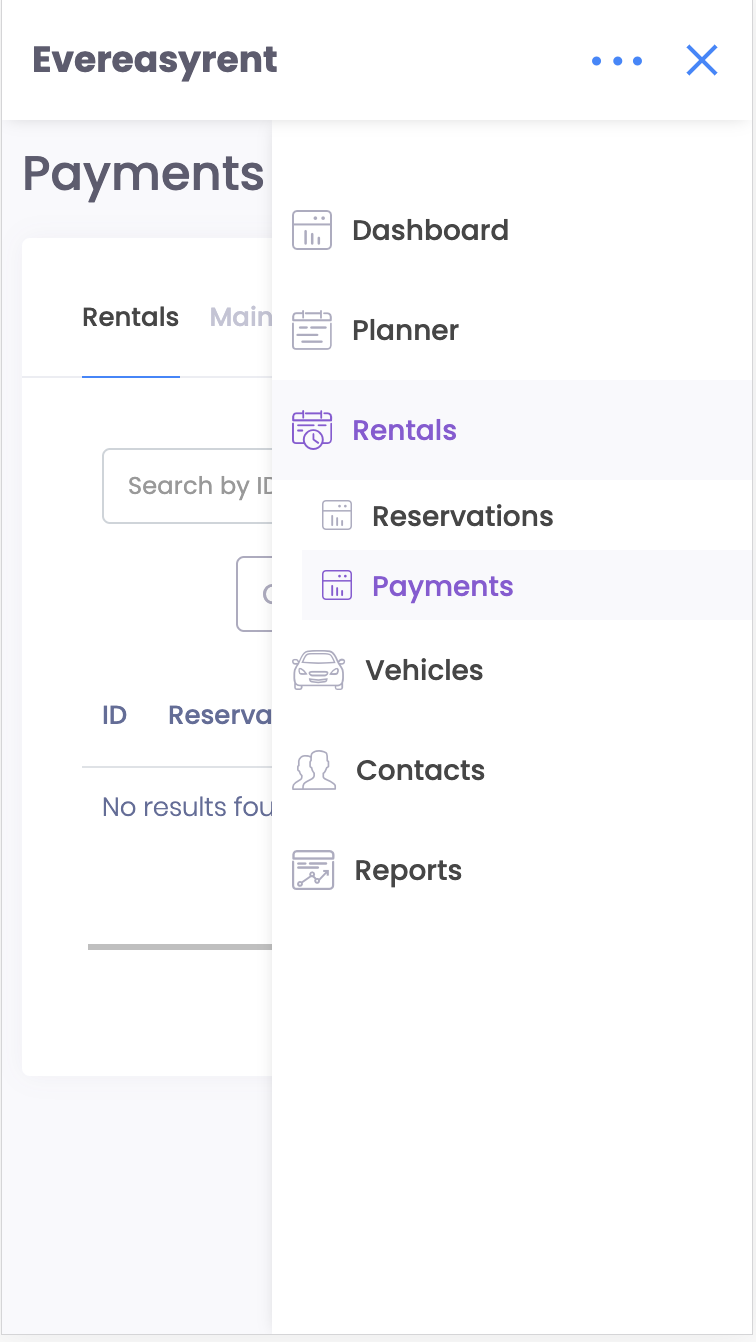
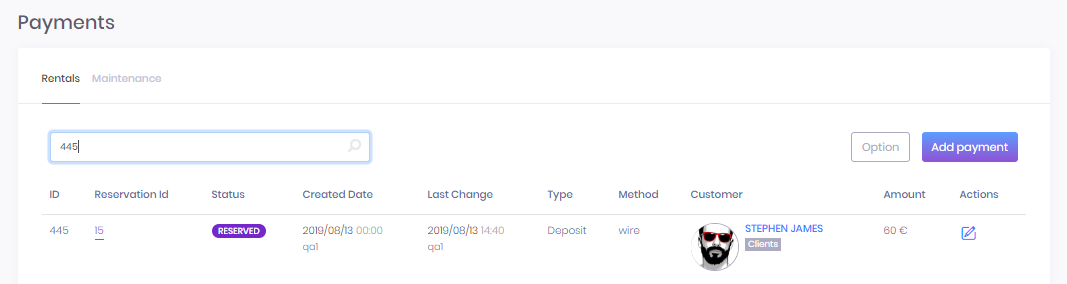
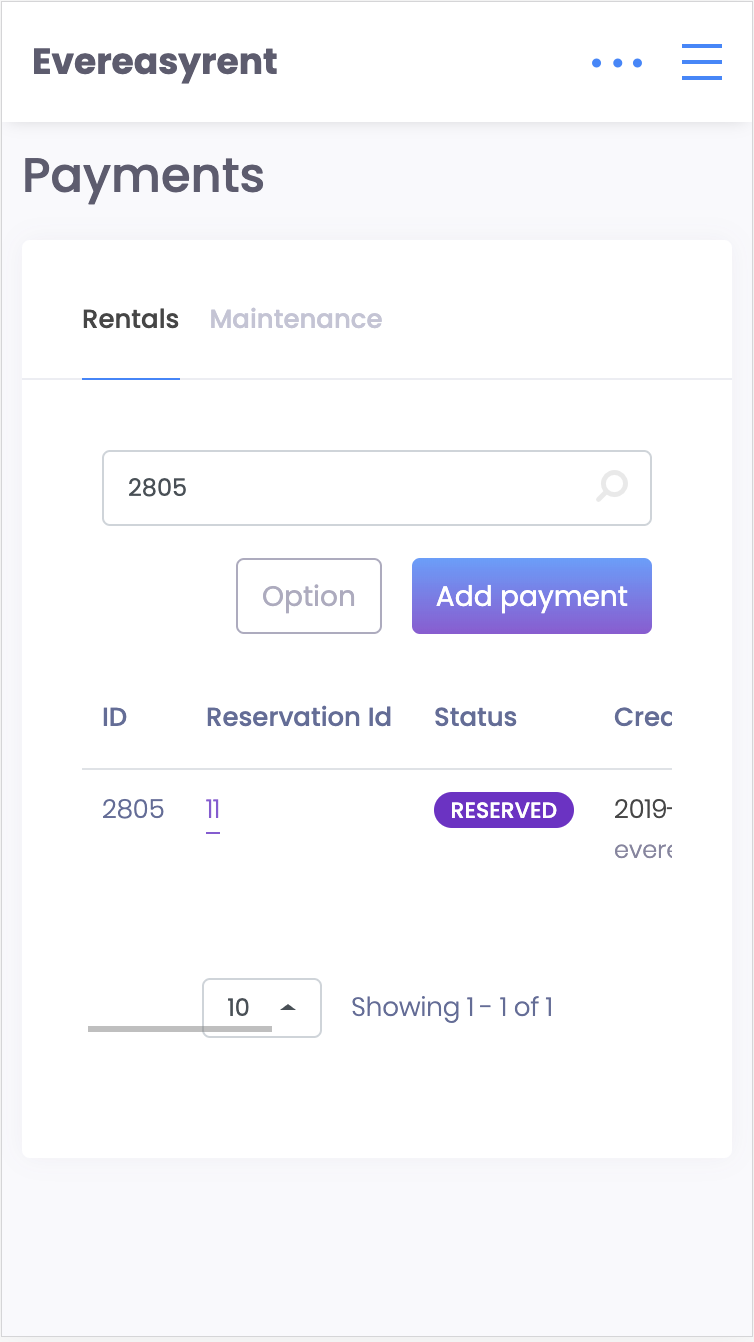
The Rentals tab displays all booking applications and their status, the amount of payment and the way it is carried out. An order of interest can be found by its number, customer name, or by payment amount.
The “Add payment” button in the upper right corner allows you to create a new payment, and the “Options” button opens the possibility for downloading payment data in .xcl, .pdf or .csv formats.
Recommended reading
Faq
Integration with LiqPay
Integration with LiqPay
Integration with SumUp
Integration with SumUp
Booking with leasing
Booking with leasing
Viva Wallet. Integration instructions
Guide for integrating Viva Wallet into o...
Integration with myPOS
Guide for integrating myPOS with our sys...