3.3 Cancel or delete reservation
To cancel or delete an order from the CRM system, open the order for viewing, click on the magnifying glass icon. At the bottom of the screen three buttons are displayed, one of which is Cancel to delete the application, and the second Reject - to cancel it.
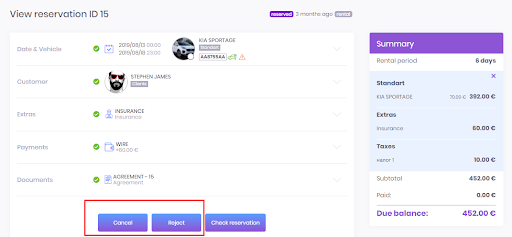
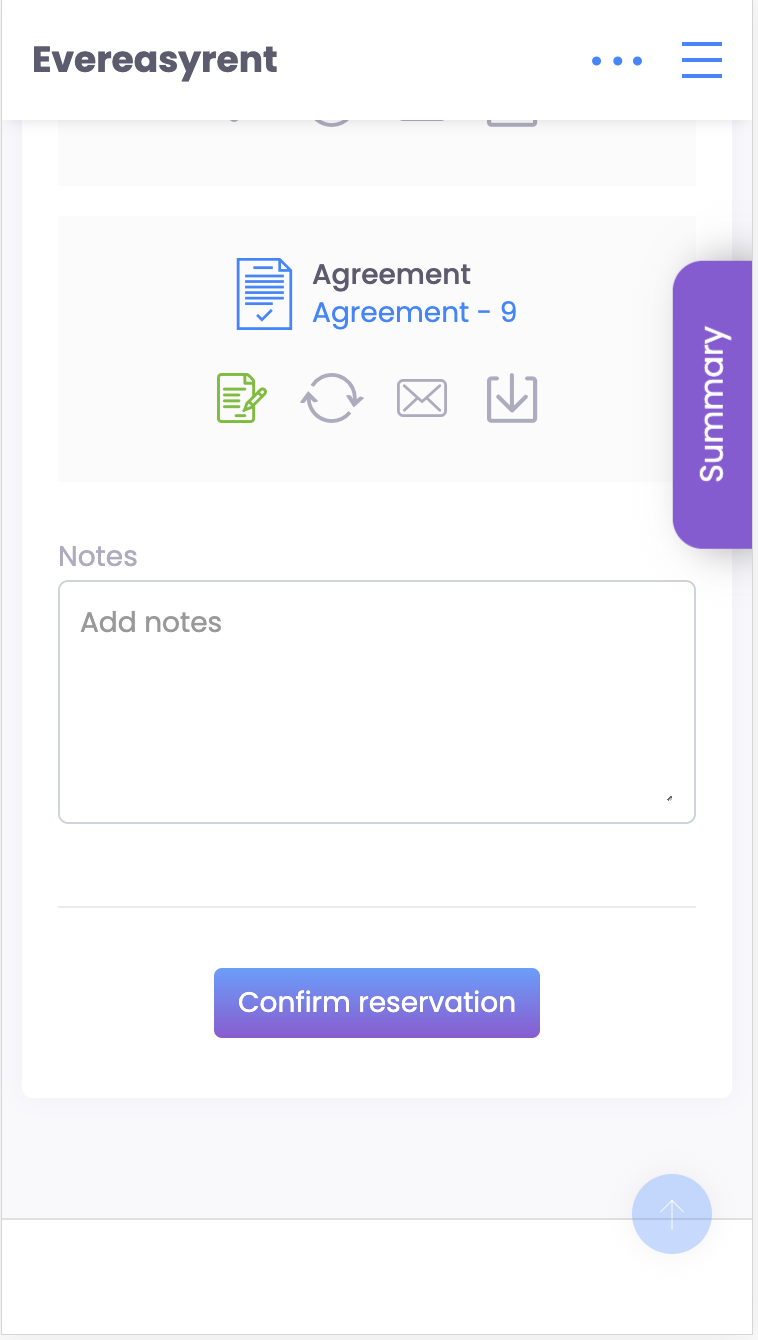
Canceled orders are displayed in order statistics, but deleted orders are not.
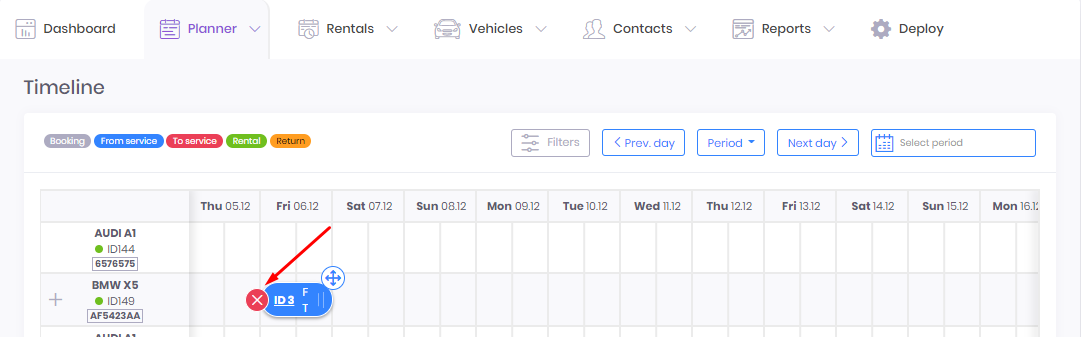
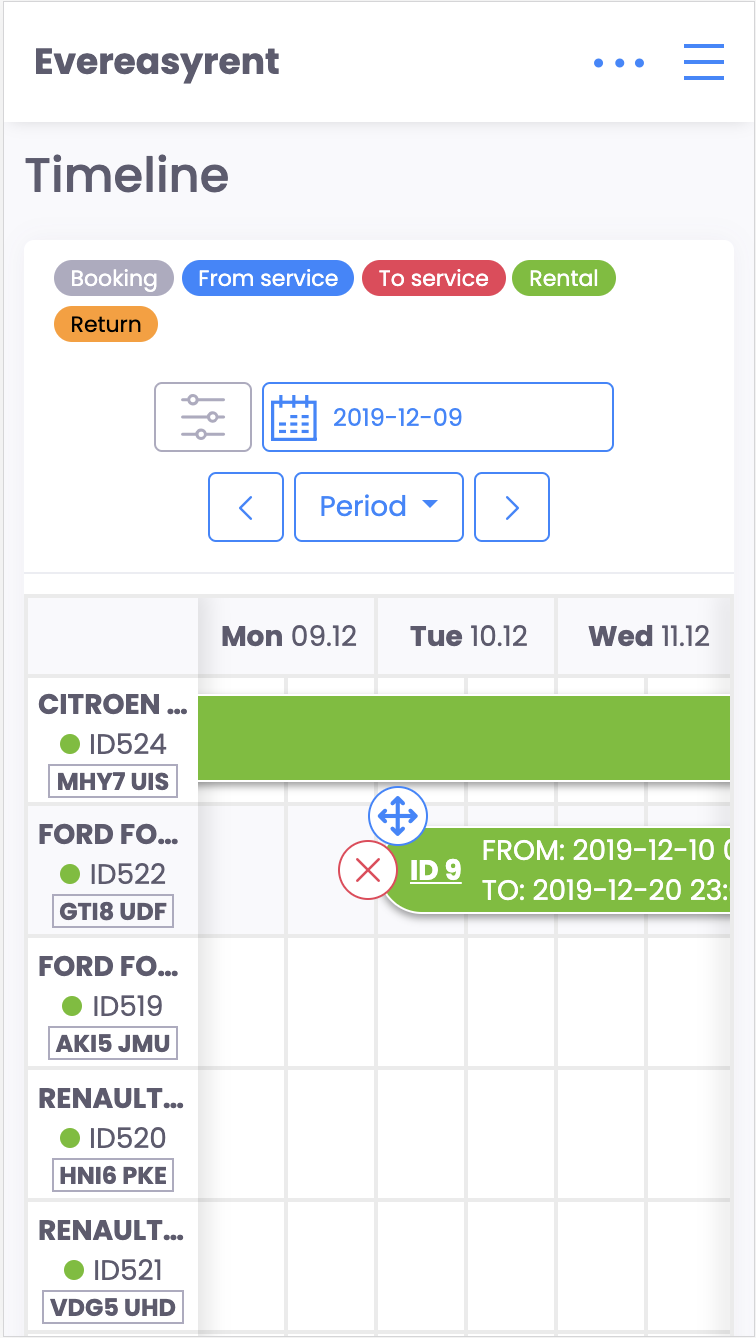
You can also delete a reservation request through Timeline in the Planners tab.
Recommended reading
Faq
Integration with LiqPay
Integration with LiqPay
Integration with SumUp
Integration with SumUp
Booking with leasing
Booking with leasing
Viva Wallet. Integration instructions
Guide for integrating Viva Wallet into o...
Integration with myPOS
Guide for integrating myPOS with our sys...